 for CorelDRAW
Latest version: 3.1.1.2

rStones is a unique add-in for CorelDRAW.
It was made especially for designers who make rhinestone artwork for:
rStones in combination with CorelDRAW, gives user huge count of instruments to make the design process more efficient.
Using rStones, CorelDRAW users can achieve great results in a short time!
There will be no need to think about how to place stones along curves or to fill shapes. Users will think only about the design, and rStones will make everything else!
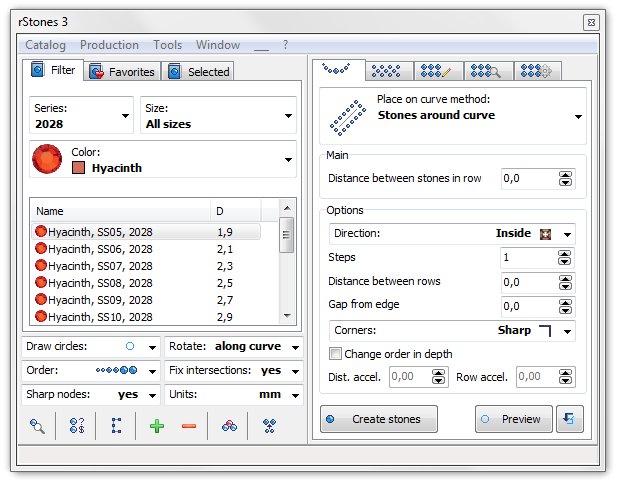
rStones for CorelDRAW has many interesting and useful features. Let me show you main of them.
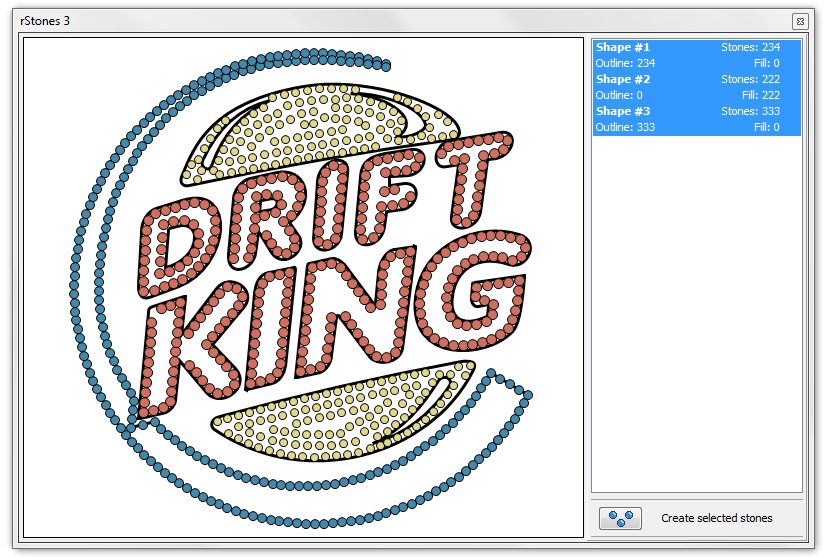
rStones for CorelDRAW has new unique tool - preview window. You'll love it!
This window is available in many features and allows you to see result before creating hundreds of stones - and this window helps you to save a lot of time - trust me. Because creating hundreds of stones takes a lot of time and result can be not best. And you'll have to UnDo and try again with different parameters.
Each time you start function - this function creates stone list and add it to preview. And you can compare different results of same function by selecting them in preview list.
New feature in preview window is ability to update effect. You can select shape, apply fill or outline and try few parameters by pressing update button. And also you can edit nodes and update this changes at preview!
And finally, when you get best result, you can apply it and rStones will create only selected stones-list from preview.
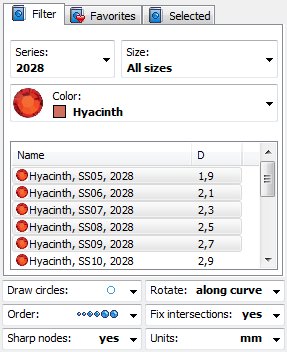
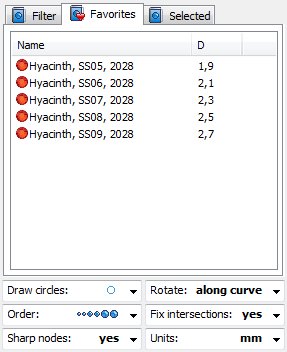
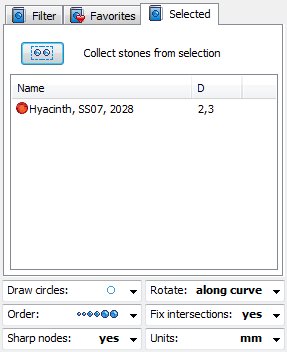
New filter windows has three tabs.
'Filter' Here you can find all your series from your catalog. You can select any stone using series/color/size filter options.
'Favorite' As you can see, you can add to favorite your own stones and have access to them at any time without need to click on filter - faster and easier.
'Selected' New feature, allows you to find all selected stone in filter. Very easy to use: select stone in document and press "Collect stones from selection". And rStones will find this stones in own catalog and add them to list.
Note: to create one stones from catalog - simple double click on it, and it will be created in center of document preview.
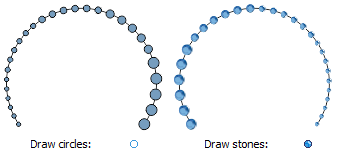
You can force rStones to create real-looking stones, but it is very slow process. When you make design, better and faster to create simple circles, and when it is ready - you can convert them to real-looking stones.

rStones allows user to set order of created stones, you can select one of five different orders.
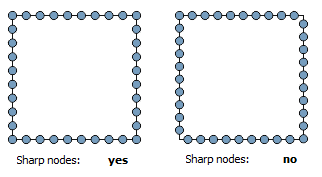
You can process every sharp corner using this feature.
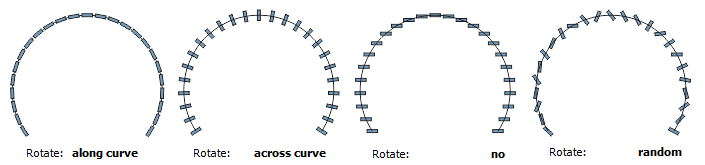
If you use not circle stones, you can use this feature to get interesting effects.
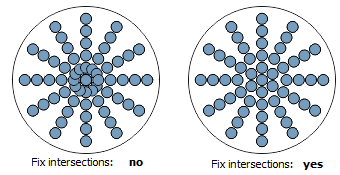
You can remove overlapping stones on first stage, but some times better to leave them for manual processing.
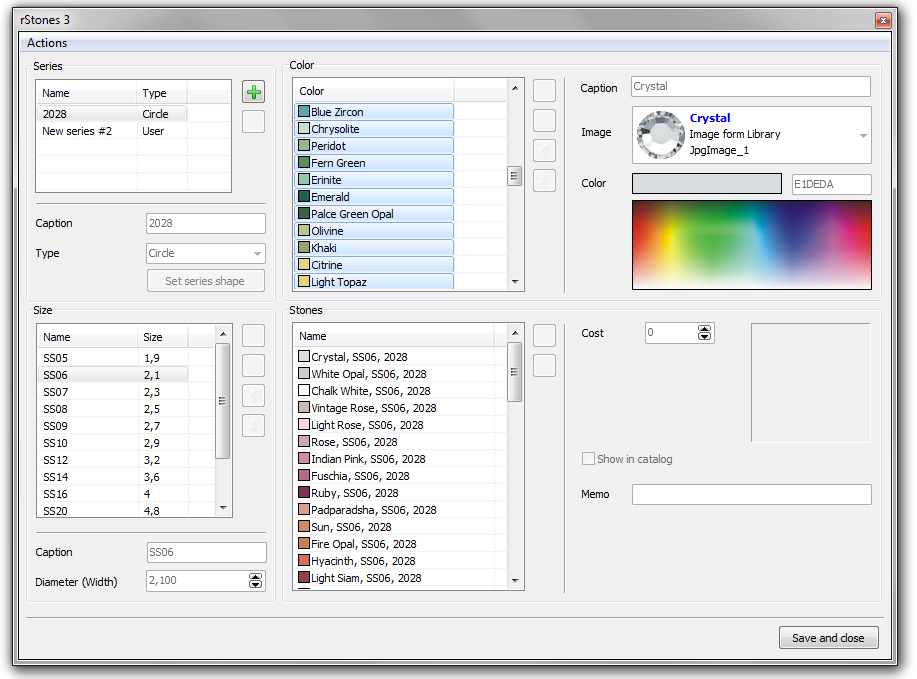
rStones for CorelDRAW has own stones editor. The Stones editor window shows ALL stones in the catalog and lets you to view/change parameters of each stone. But, as usual, main series 2028 is read-only.
You can add your own series to catalog. And for easier pricing, export a catalog to CSV format. Edit it in external software such as Microsoft Excel or Open Office Calc and import it again.
You can also share your series. rStones allows you to
export and import different series to your catalog.
rStones has three very powerful methods of stones placing.
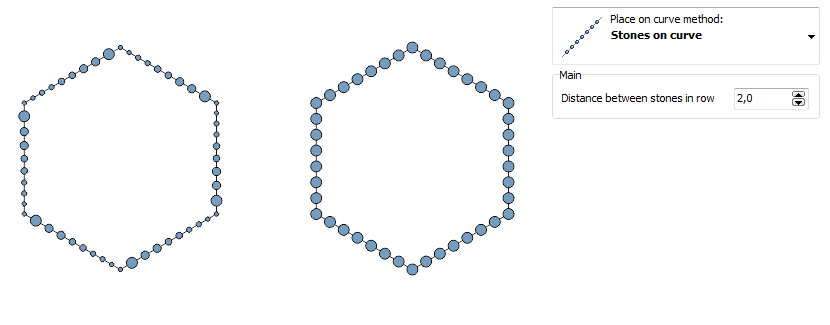
This very easy to use feature allows you to place stones on selected curves. You can set order and rStones will place stones according selected method.
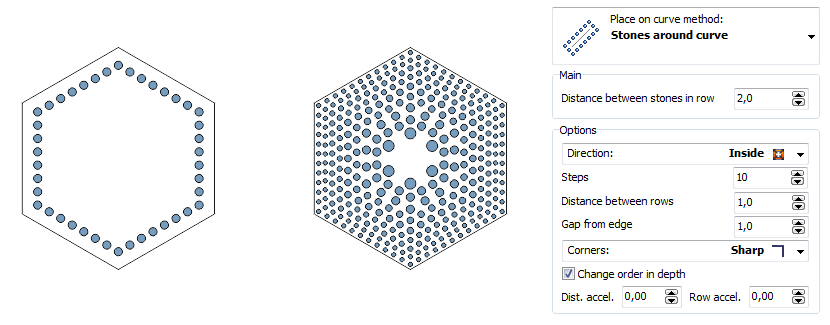
You can place stones around curve. Inside, outside or both direction. And also, you can force rStones to make each line of stones with different size ("Change order in depth" feature).
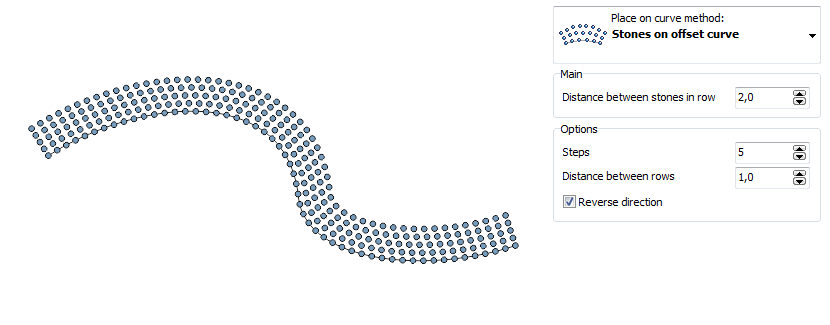
New feature in rStones for CorelDRAW. It allows you to place stones on parallel curves. You can get very interesting result, especially if you process single line fonts.
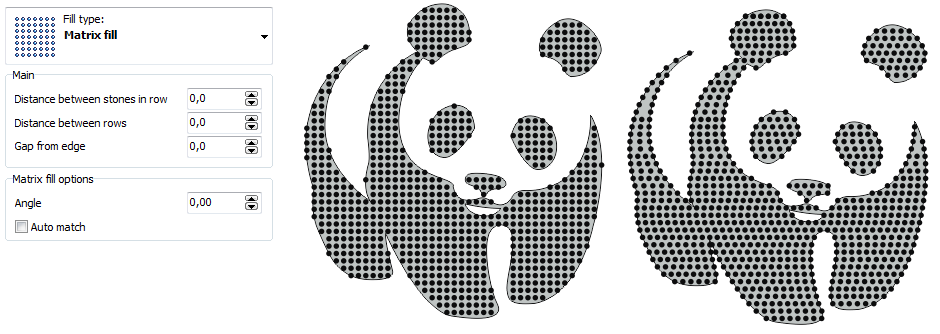
Use.this type of fill to fill shape with stones using simple matrix mask. Or you can 'auto match' to make stones fill uniform.
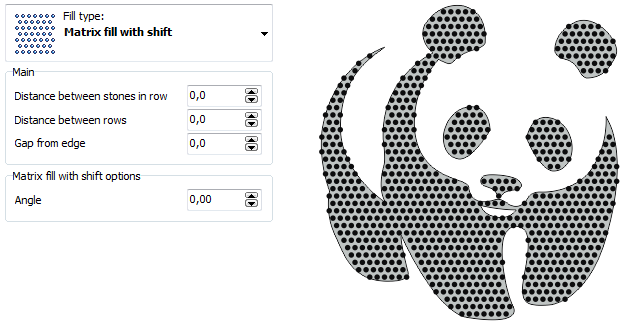
Same as simple fill, but each row of stones is shifted. You can use horizontal or vertical shift.
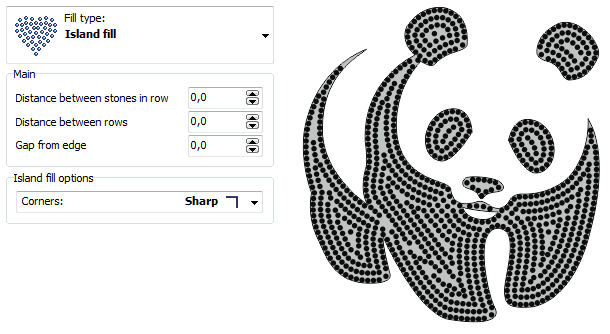
Island fill - this type of fill creates rows of stones from shape edge to its inside part.
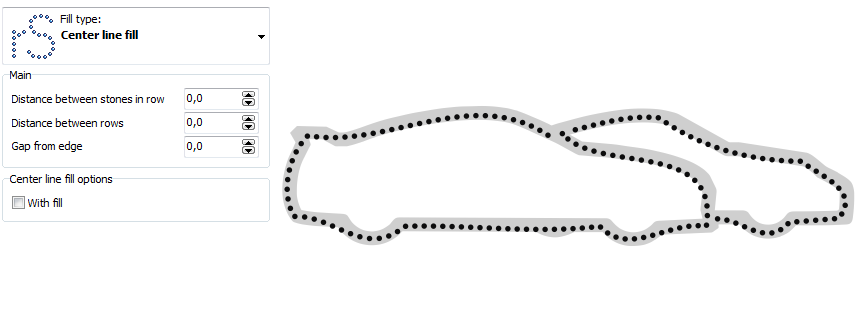
First of all rStones will create center line of object and then it will place stones, also rStones can make this stones with filling shape.
rStones uses own algorithm to create center line, which is better that CorelDRAW has.
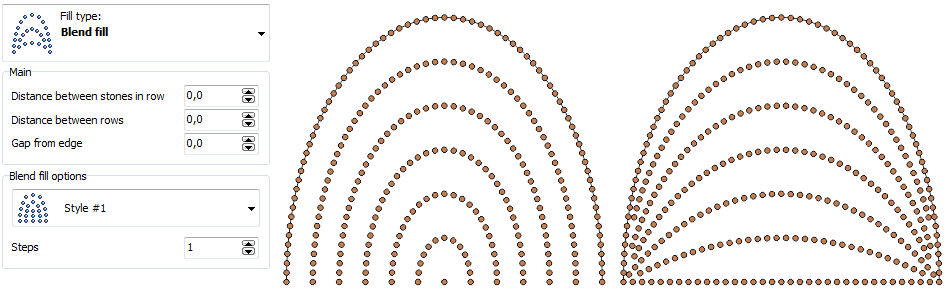
You can get interesting effect using this type of fill with opened curve.
Also, do not forget, that you can select many stones from filter, and rStones will place them according selected order.
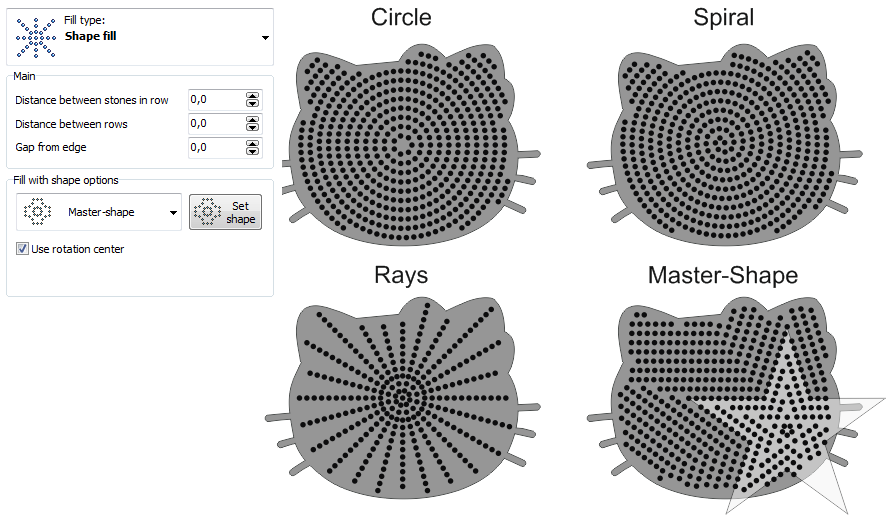
NEW Great feature! This type of ill allow you to choose shape of filling - you can use one of three integrated (circle, spiral, rays) or you can select your own shape and rStones will use it to place stones inside shape.
Also, do not forget, that you can select many stones from filter, and rStones will place them according selected order.
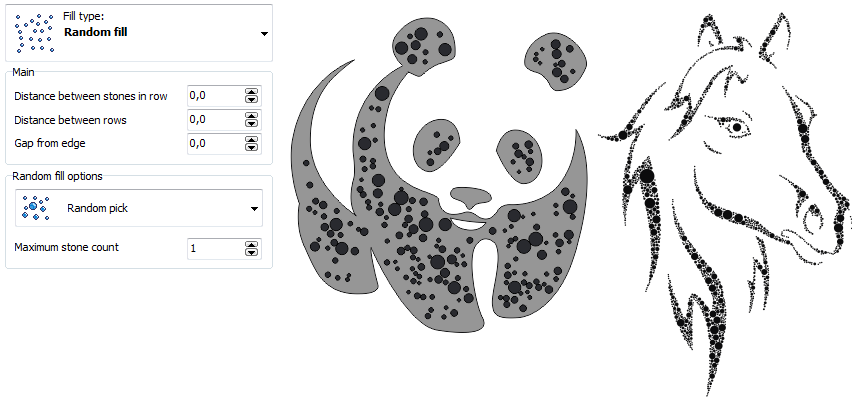
Great looking random stones will be with you now. You can select many stones in filter with different size and color, and rStones will randomly fill selected shapes with them.
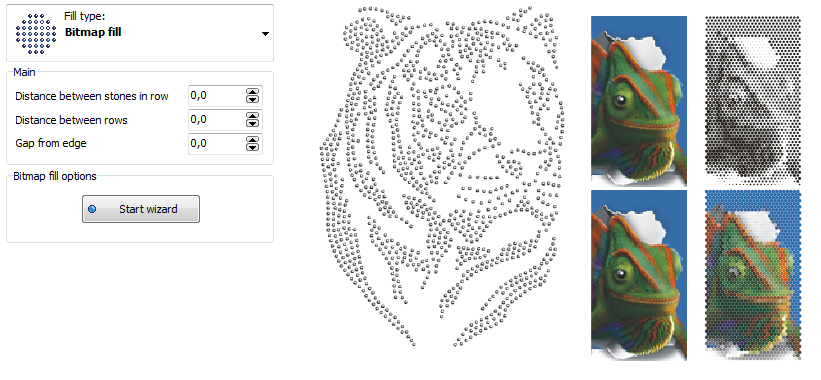
You can use bitmap filling algorithms to full not only bitmaps - fill shape with it, result is awesome!
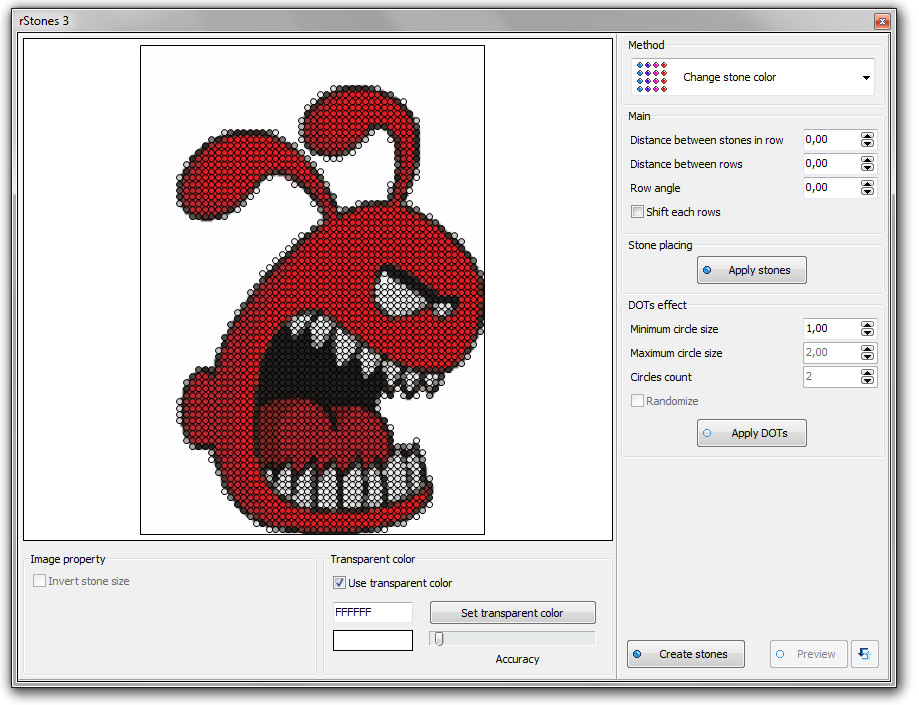
And of course, great effect can achieved processing bitmaps. rStones can fill bitmaps by fitting size or color of stone. And DOT-style effect can make great art-works.
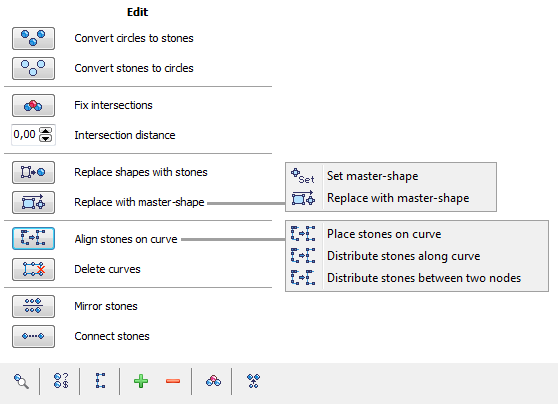
rStones gives you many tools for post-processing stones. After stones are created, you are able to make many different procedures with them.
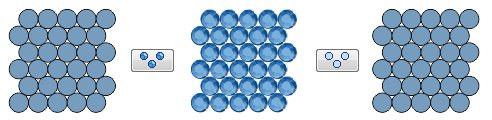
Use this feature for quick conversion stones to circles and back to stones.
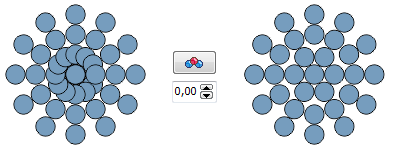
If there are many overlapping in design, you can fix them in one click.
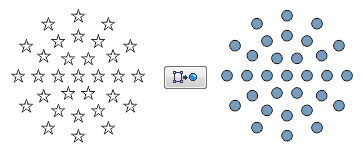
Very powerful feature to convert images to rhinestones. Import image, trace it with CorelDRAW tracer and process with this feature, and you'll get good stencil in few minutes.
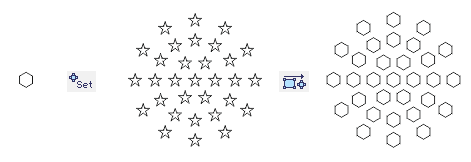
Interesting tool for replacing all shapes with one master-shape.
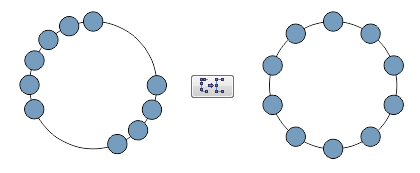
You can fit stones to curve, or distribute all stones on curve along all or selected segments (between two nodes).
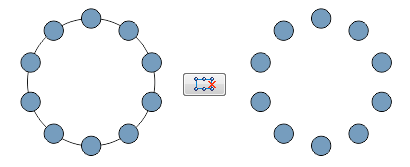
When design is ready, use this simple feature to delete all curves and leave all stones.
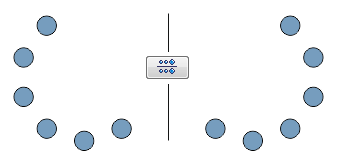
Simple feature for mirroring objects.
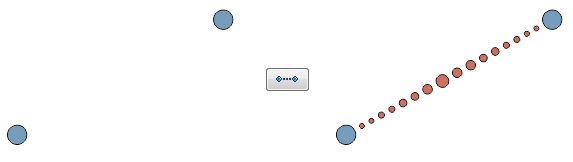
You can connect two selected stones. And this feature supports order option.
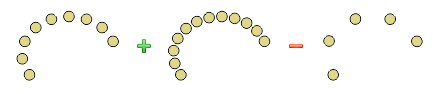
New feature in rStones for CorelDRAW. This great tool allows you to add stones to selected curve. Or you can select many stones and add or remove stones to them (first stone must be selected last).
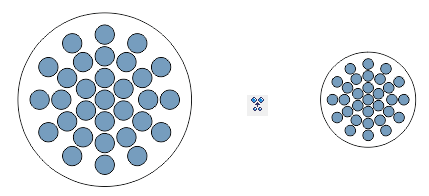
Very new feature, that allows you to resize your design according to selected stone size in one click.
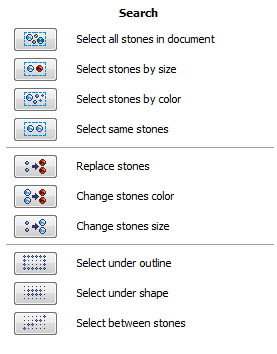
It is very easy to search stones in document, rStones has many tools for that.
You can search stones in document and change its color or size.

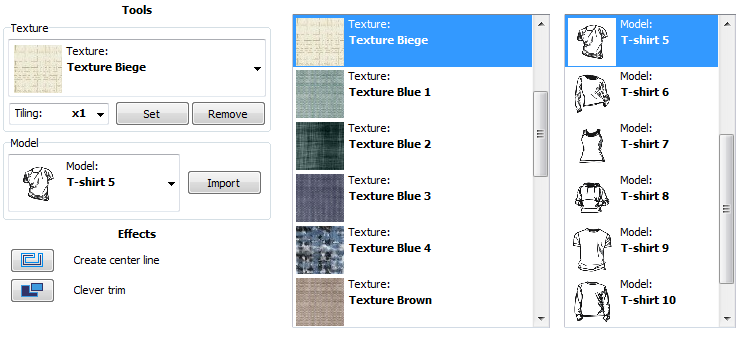
rStones has many interesting features, and this is one of them.
You can import built-in models of apparel, or assign texture to selected shape. very easy and quick.
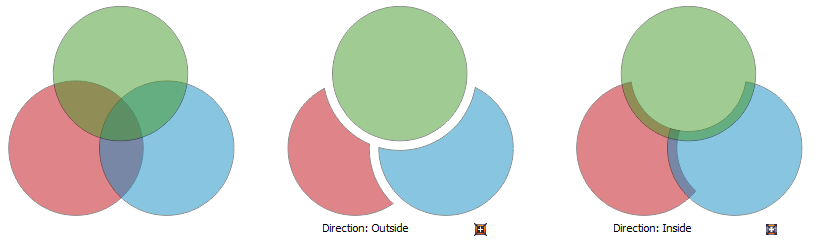
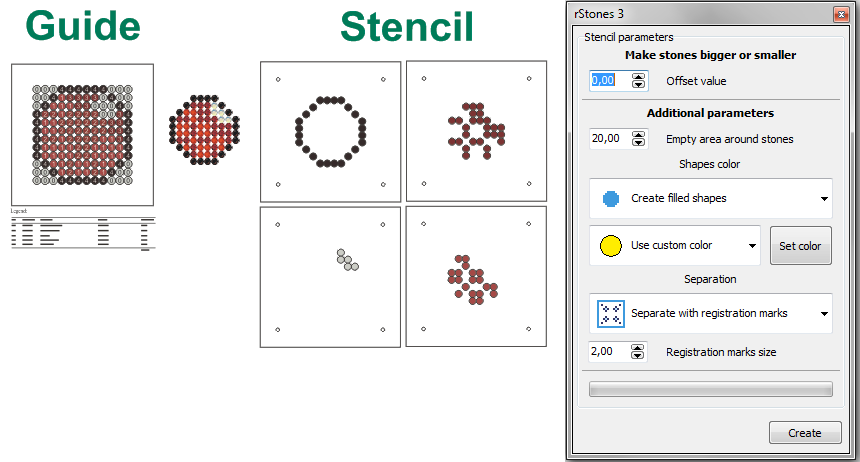
Use this powerful tools to create stencils and guide printout.
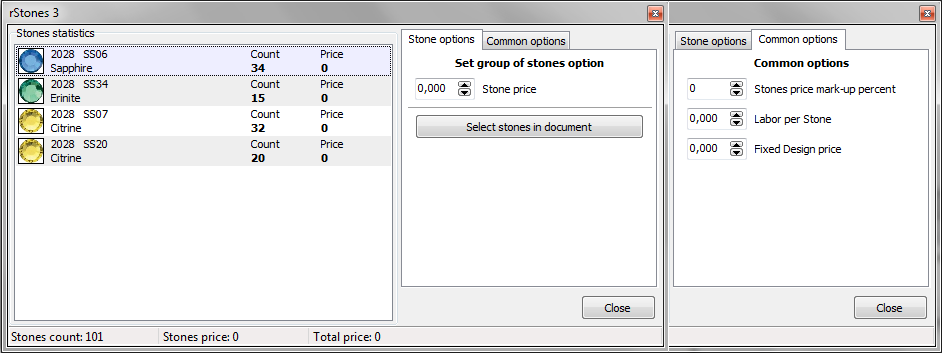
Very easy cost calculator will help you to get cost of new design (including designer and stone placing job costs).
Copyright © 2007 eCut.
